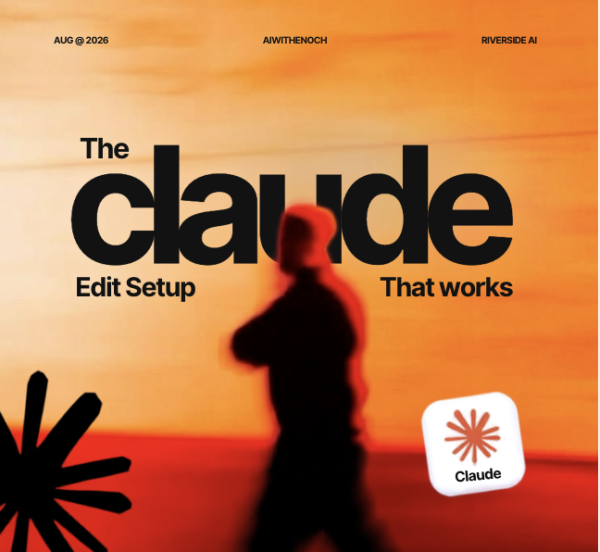
Make Claude Edit Your Videos
Learn how to connect Claude to Adobe Premiere Pro and use simple instructions to speed up your video-editing workflow.
This beginner-friendly digital guide walks you through the complete setup process, the tools you need, how the system works, and the prompts you can use to make Claude assist with repetitive video-editing tasks.
Instead of spending hours manually removing mistakes, organizing footage, planning graphics, and creating rough cuts, you will learn how to use Claude as an AI-powered video-editing assistant.
What You Will Learn
Inside this digital product, you will learn how to:
- Set up your Claude video-editing project
- Connect Claude to Adobe Premiere Pro
- Organize your footage for AI-assisted editing
- Use transcription to help Claude understand your video
- Create rough cuts using natural-language prompts
- Remove failed takes and repeated sentences
- Reduce unnecessary pauses and filler
- Find the strongest moments from long videos
- Turn long videos into short-form clips
- Plan motion graphics and visual elements
- Generate B-roll and caption instructions
- Protect your original footage and projects
- Troubleshoot common setup problems
What You Will Receive
Your purchase includes:
- Complete step-by-step setup guide
- Beginner-friendly installation checklist
- Ready-to-use Claude project-folder template
- Video-editing prompt pack
- Rough-cut prompts
- Short-form clipping prompts
- YouTube editing prompts
- Motion-graphics prompts
- Caption and B-roll prompts
- Audio-cleanup prompts
- Project safety instructions
- Troubleshooting guide
- Recommended tools and installation links
Example Tasks You Can Give Claude
You will learn how to give Claude instructions such as:
- “Create a rough cut from this footage.”
- “Remove failed takes and repeated sentences.”
- “Keep only the strongest explanations.”
- “Find the best moments for short-form clips.”
- “Suggest B-roll for each section.”
- “Identify where motion graphics should appear.”
- “Prepare the timeline for a YouTube video.”
Who This Product Is For
This guide is suitable for:
- Content creators
- YouTubers
- Video editors
- Podcasters
- Social-media managers
- Creative agencies
- AI enthusiasts
- Beginners exploring AI-assisted video editing
You do not need to be an advanced video editor or programmer. However, you should be comfortable following installation instructions and managing files on your computer.
What You Need
To follow the main workflow, you may need:
- A compatible computer
- Adobe Premiere Pro
- Access to Claude or Claude Code
- An internet connection
- Your own video footage
- Basic computer and file-management skills
Some third-party software, subscriptions, or services may require separate payment. These costs are not included in the purchase price.
The guide teaches you how to configure third-party tools on your own computer. The final quality and performance of the system will depend on your computer, installed software, footage, prompts, and creative direction.
Always create a backup of your footage and editing project before using automated tools.
Instant Digital Access
After completing your purchase, you will receive access to the downloadable guide, prompts, templates, and supporting resources.
Start building your Claude-powered video-editing workflow today.
Reviews
There are no reviews yet.